For lift installers and service companies

Run every lift job from enquiry to handover

Lift Projects keeps installs, breakdowns, servicing and LOLER dates in one place. The office sends proposals on your letterhead, and engineers fill in their site forms on their phones.

  • 30 days free
  • Nothing taken until the trial ends
  • Cancel any time
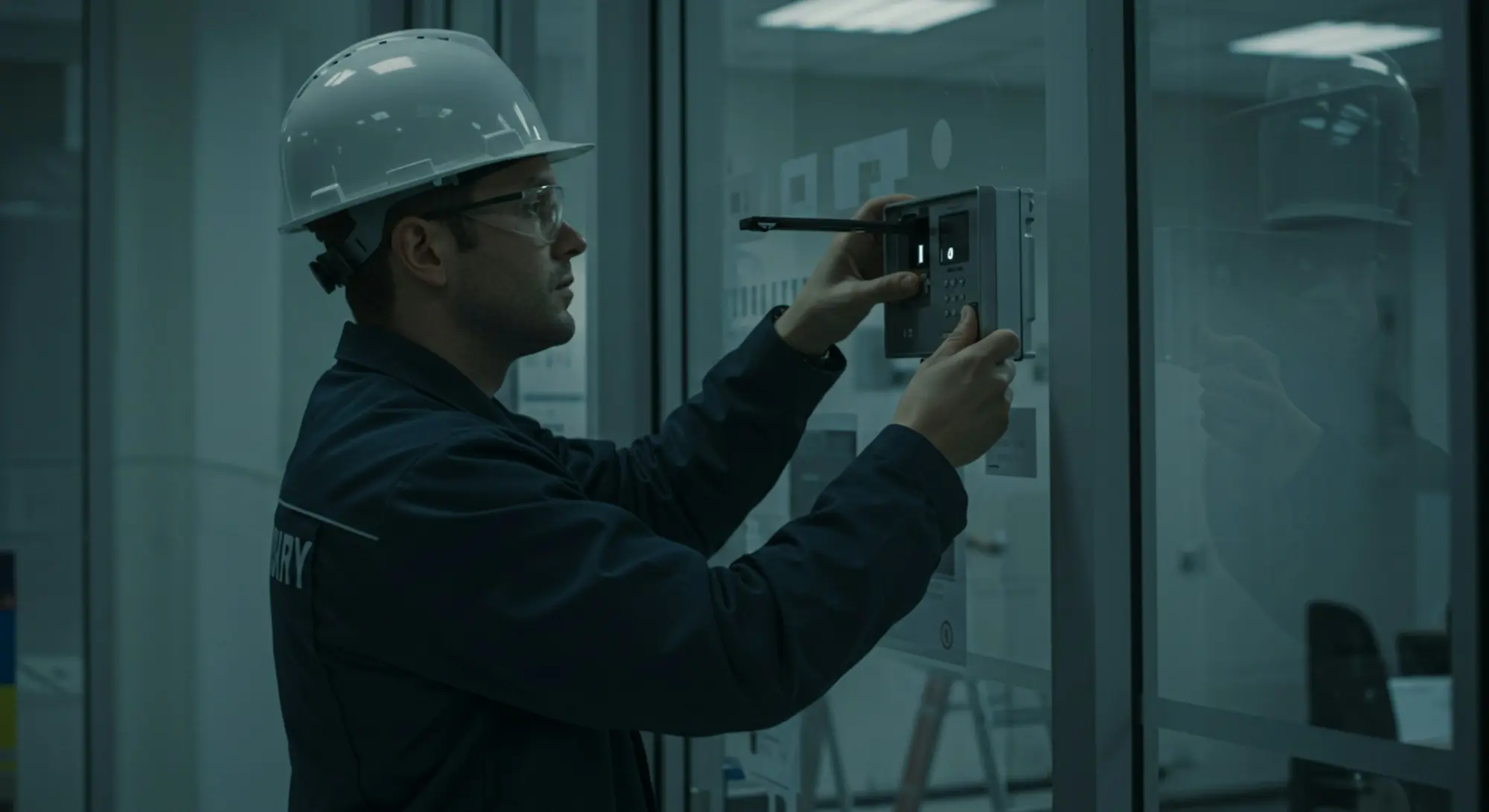
An engineer in a hard hat working on a control panel
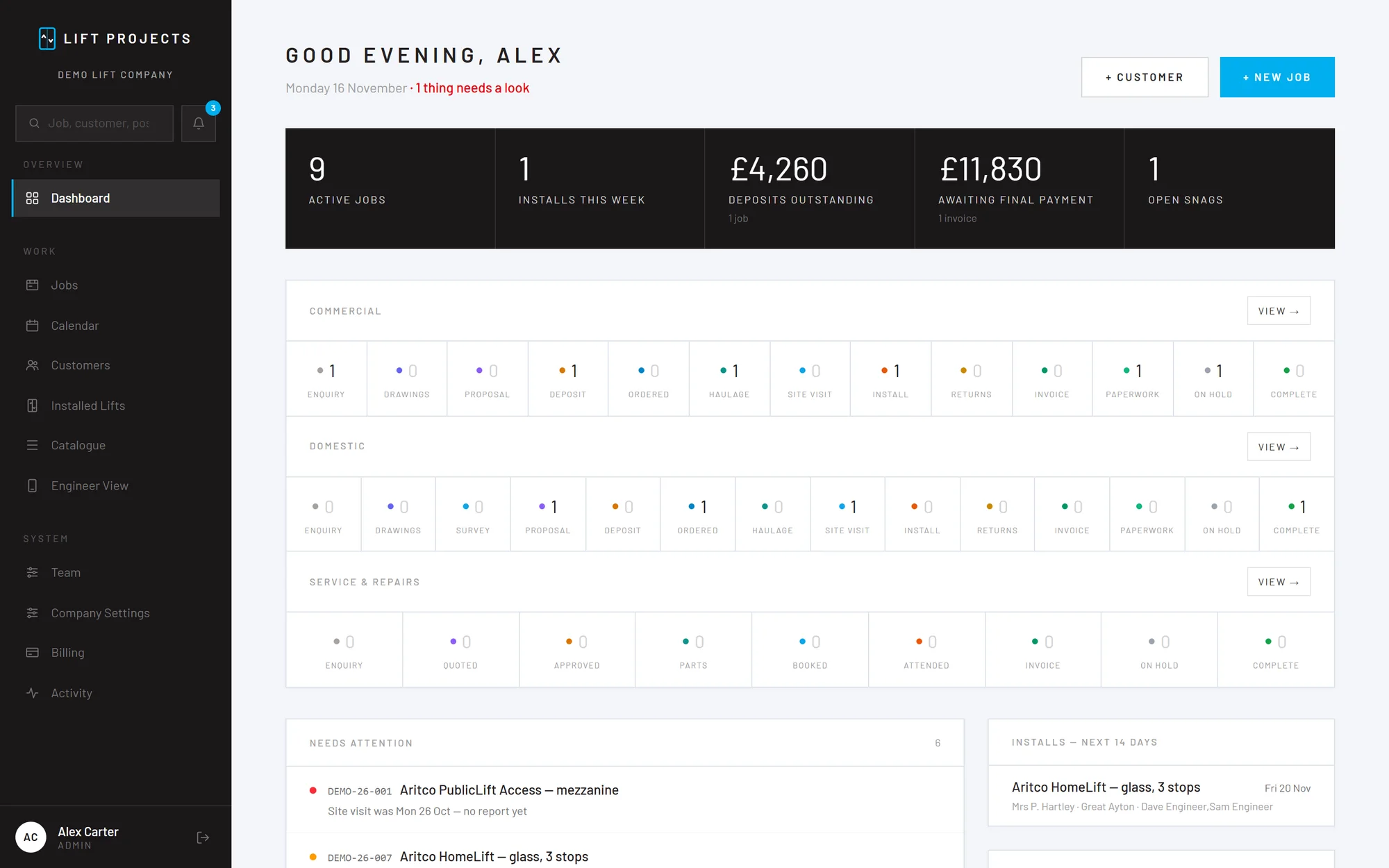
The Lift Projects dashboard: active jobs, installs this week, deposits outstanding and jobs at each stage
Direct Lift Solutions

Direct Lift Solutions in Redcar run their installs, call-outs and servicing on Lift Projects. Read the case study

Made for the work a lift company does

General job software makes you bend your trade to fit it. Lift Projects starts with installs, breakdowns and servicing, each with its own stages, paperwork and checks.

All the features
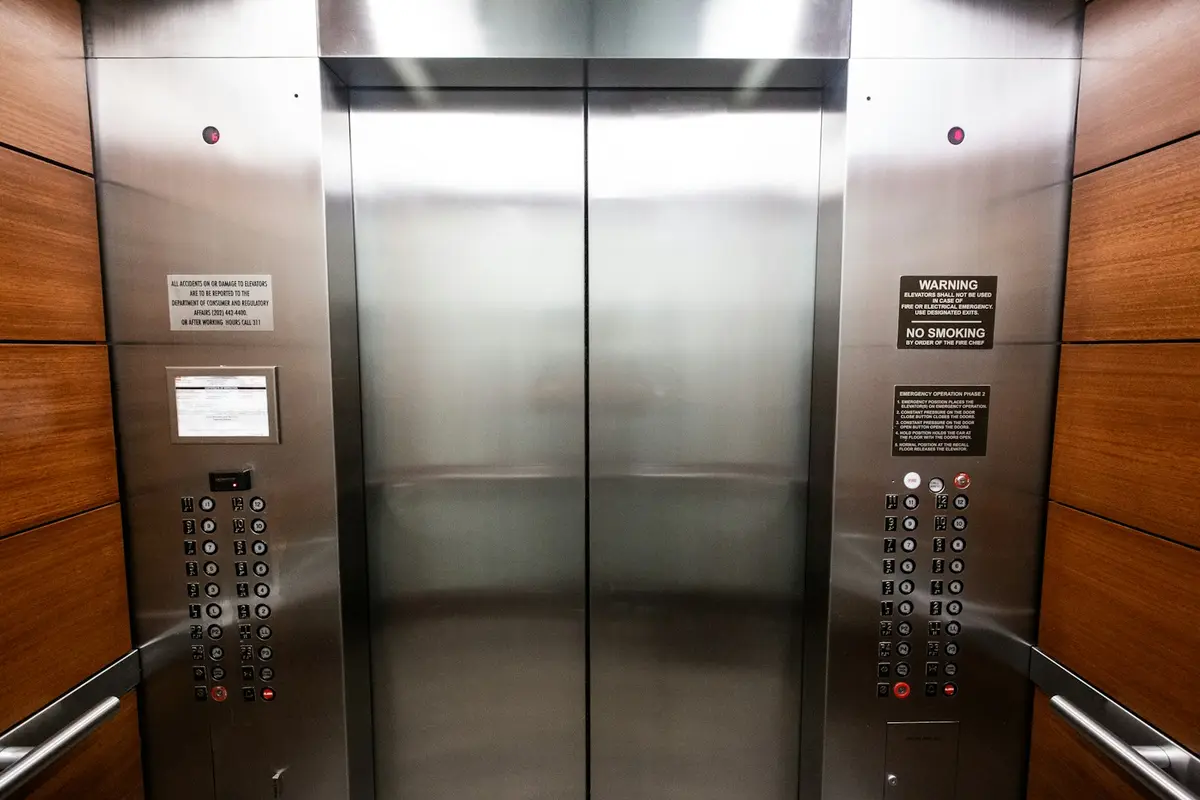
Stainless steel lift doors and landing buttons

New lift installs

From the enquiry and drawings, through the factory order and haulage, to the install and the handover paperwork. It speaks up before a job moves on with a deposit unpaid or a RAMS missing.

Enquiry Drawings Proposal Deposit Factory order Haulage Install Handover

An engineer checking a relay from a lift controller

Call-outs and breakdowns

Log the call on one screen: customer, site, the lift, the fault, who's going and when. The engineer's report comes back signed, with photos, and the job is ready to invoice.

Visit booked Attended Invoice Complete

An engineer adjusting lift equipment in a workshop

Servicing and repairs

Price a repair with your cost and the customer's price side by side, send the quote, and follow every part from ordered to arrived before you book the visit.

Quoted Approved Parts on order Visit booked Invoice

See where every job is up to

Each job shows its stage, what's still needed before it can move on, and the money: deposit, stage payments and final invoice, in the order they fall due.

  • Drawings, RAMS and photos kept on the job
  • The next step and who it's waiting on, at the top
  • Proposals on your letterhead, built from the job
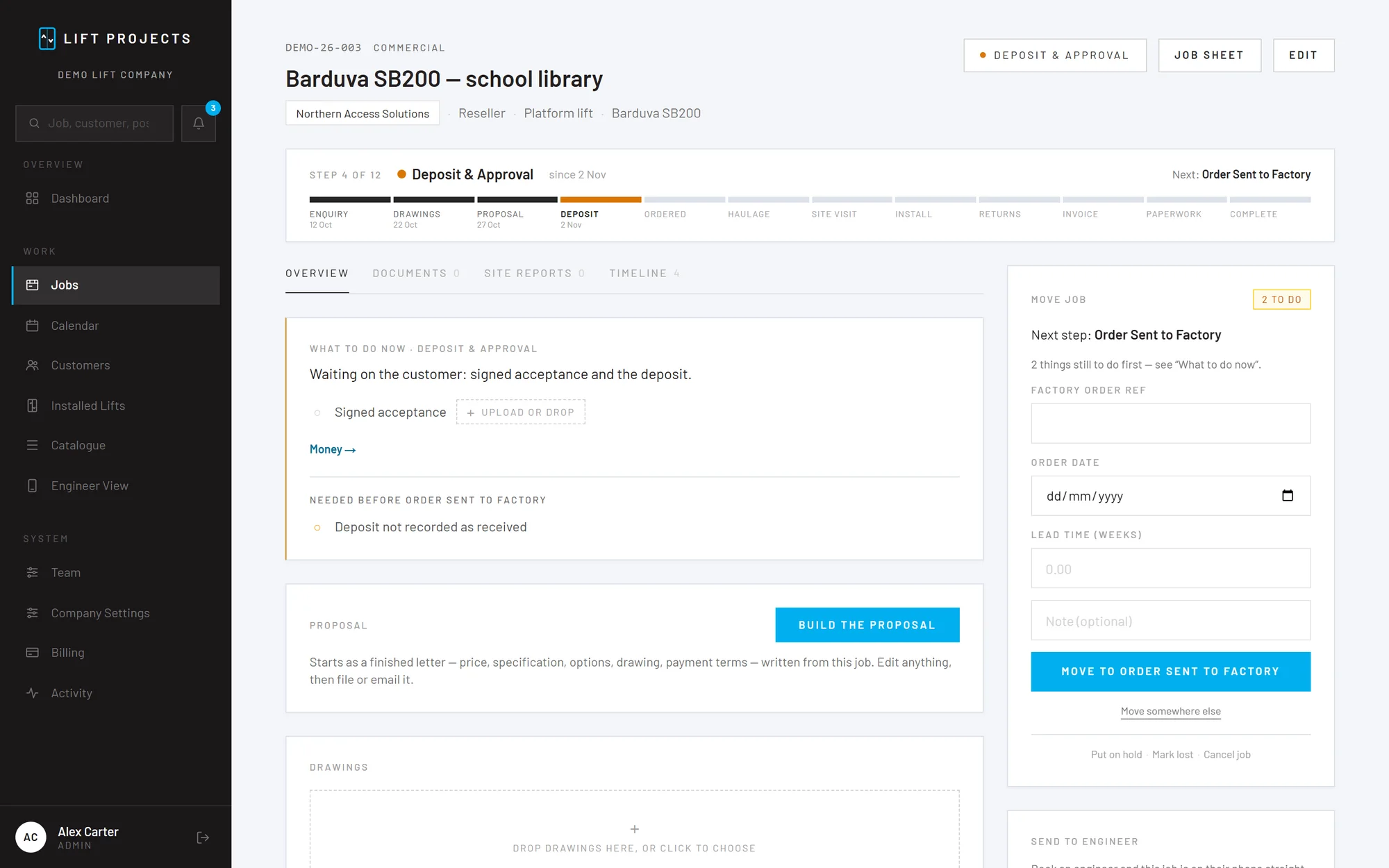
A platform lift install in the app: the stage bar, what to do now, and the next step
An engineer in a hard hat checking a phone on site
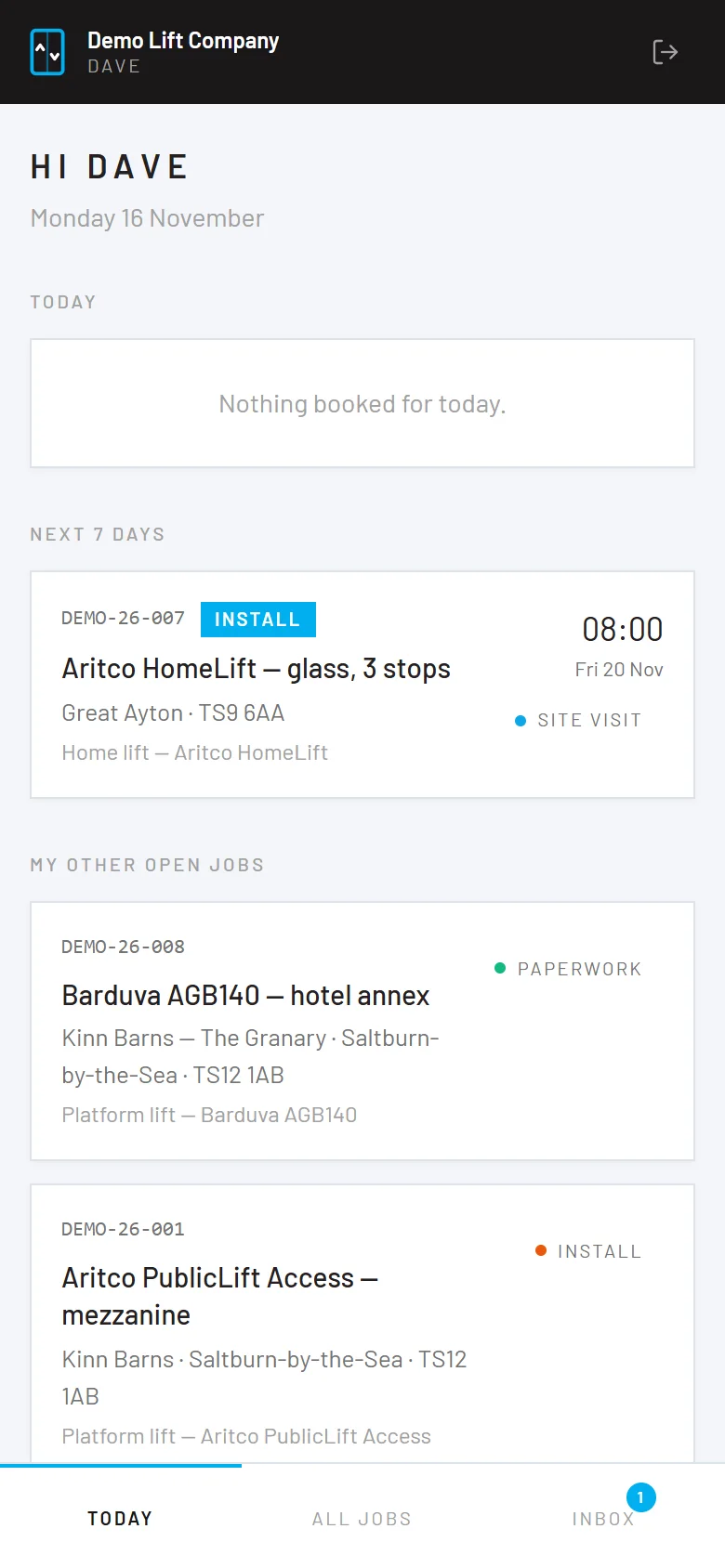
The engineer's phone view: today's bookings and open jobs
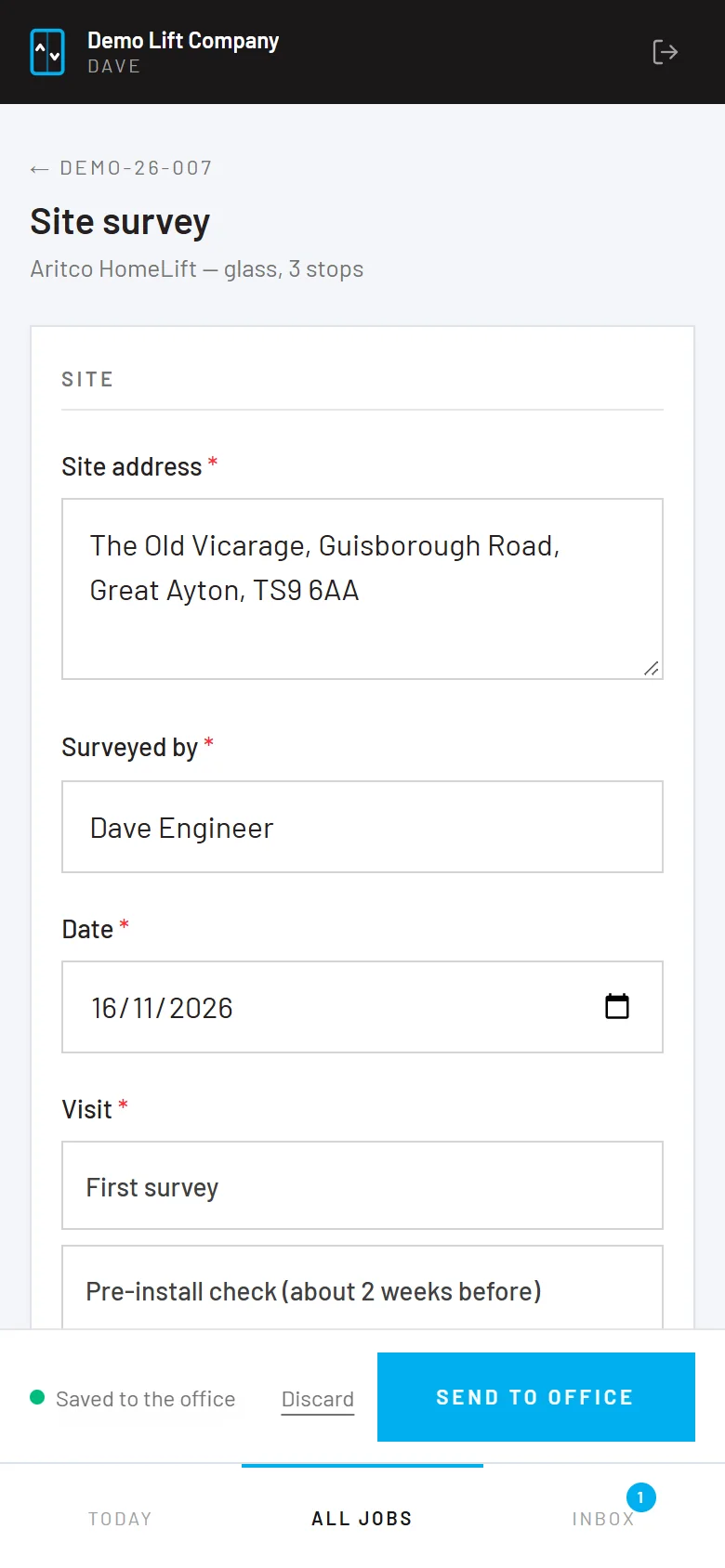
A site survey form on an engineer's phone

Engineers fill in the form on site, not in the van afterwards

Their own view on a phone or iPad: today's bookings, the job sheet, the drawings and the form for the visit they're on. The office gets a PDF on your letterhead, filed on the job.

  • Site survey, call-out, service and commissioning forms
  • Photos, video and signatures from the phone
  • Saves as they go, so no signal doesn't lose a report

£150 a month, with 2 users included

Then £20 a month for each extra person, office staff and engineers alike. Everything is included, and the first 30 days are free. More than 12 people? Contact sales.

  1. 1Create your company accountYour company's name, your name, your email and a password. It takes about a minute.
  2. 2Set up the Direct DebitOn GoCardless's secure form, so we never see your bank details. Nothing is taken until your 30-day trial ends.
  3. 3Add your letterhead and your teamUpload your logo, add your office staff and engineers, and put your first job on it.
Direct Lift Solutions logo

Case study

Direct Lift Solutions, Redcar

They supply, install and look after lifts from their base in Redcar. Their office and their engineers run the day's work on Lift Projects, from the first enquiry to the handover paperwork.

Questions people ask

Some quick answers. There are more on the questions page, or ask us yourself.

Which kinds of lift company is it for?

Companies that install, service or repair lifts: platform lifts, home lifts, passenger and goods lifts, and stairlifts. It covers new installs, call-outs and breakdowns, service visits, repairs and other works.

What do the engineers need?

A phone or an iPad and a sign-in. They see their own bookings, the job sheet and the drawings, and fill in tick-box forms on site with photos, video and signatures. They never see proposals, prices or invoices.

Can we cancel?

Yes, from the Billing page, at any time. Cancel before the trial ends and you pay nothing.

Put your next lift job on it

Create your company account, add your letterhead and log a job. If it doesn't fit how you work, cancel before the trial ends and you've paid nothing.

Lift Projects | Job tracking built for lift companies